
After a Radar scan: search visibility monitoring workflow
What this page covers
After a Radar scan: search visibility monitoring workflow
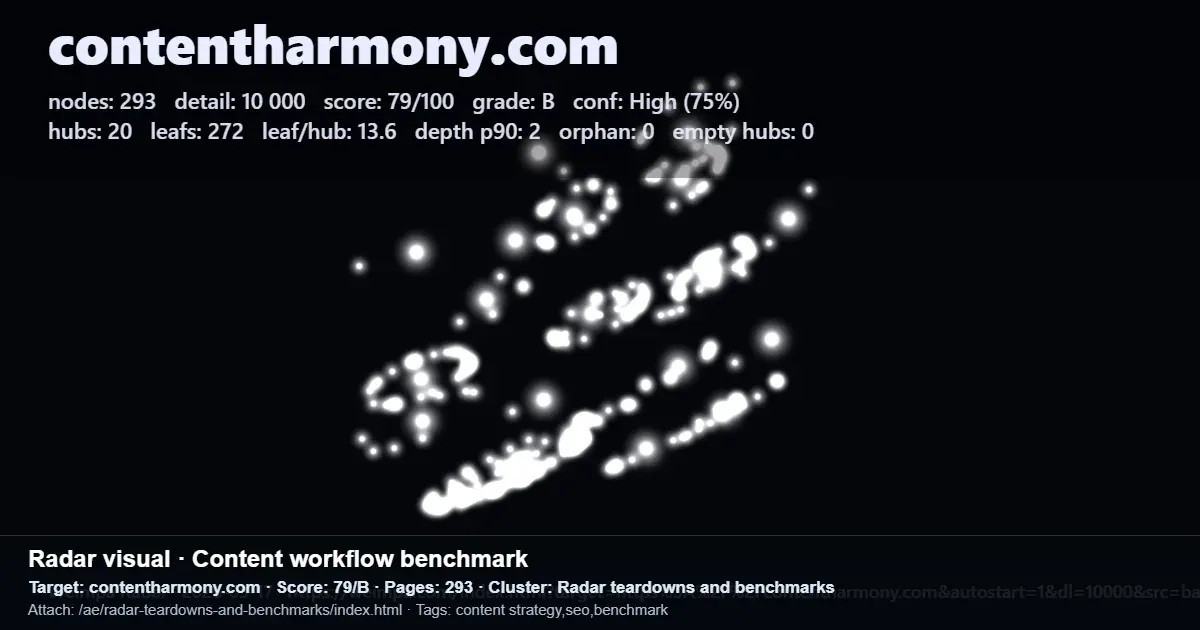
A Radar scan gives you a compact view of site structure for search visibility monitoring. It highlights page counts, hub and leaf balance, depth, and an overall score or grade.
The next step is to turn that scan into action. Radar is designed to surface clear structural issues, such as missing hubs, orphan leaves, and shallow clusters, so teams can move from diagnosis to fixes.
In brief
- Start with the scan summary and identify the first structural signals to act on, such as score, hubs, leaves, depth p90, and whether orphan pages are present.
- Use the scan output as a working fix list, not just a report. Radar ends with concrete issues to address, including missing hubs, orphan leaves, and shallow clusters.
- Check access limits before depending on the workflow. Radar does not scan sites behind logins, paywalls, or heavy bot protection, although a JSON URL snapshot can still be visualized.
What to do
A practical workflow after a Radar scan starts with the site graph summary, then moves into structure decisions. The scan can show nodes, hubs, leaves, leaf-to-hub ratio, depth p90, orphan count, and an overall score or grade, helping you see where attention is needed first.
From there, use the issue list to prioritise structural fixes. The product language is clear that every scan ends with concrete issues to fix, including missing hubs, orphan leaves, and shallow clusters. That makes the post-scan phase more about choosing the next actions than interpreting vague signals.
The scan output can also support benchmarking. In the provided examples, one site shows a 29 out of 100 grade E with 16 pages, while another shows 85 out of 100 grade A with 10006 pages. These examples do not promise results, but they do show how Radar summaries can help compare very different site structures.
What to keep in mind
This workflow is most useful when you need a clear path from scan to action. It suits teams that want to explain site architecture decisions in practical terms and turn a visibility review into a list of next-step opportunities.
There are clear operating limits. Radar does not scan sites behind logins, paywalls, or aggressive bot protection. If that applies to your site, the available option described here is to use JSON import to visualise a URL snapshot you provide.
Keep expectations focused on structural diagnostics. The scan can show counts, ratios, depth, orphan status, and issue types, but the evidence here supports identifying and prioritising fixes, not guaranteed traffic or ranking gains.